Remote access & support
TeamViewer
Long-established cloud service for remote access, control and support.
paid / trialdesktop
Independent reference — this page is a review. TeamViewer is downloaded from the vendor’s official site, not from here.
| Platforms | Windows, macOS, Linux, ChromeOS, web, mobile |
|---|---|
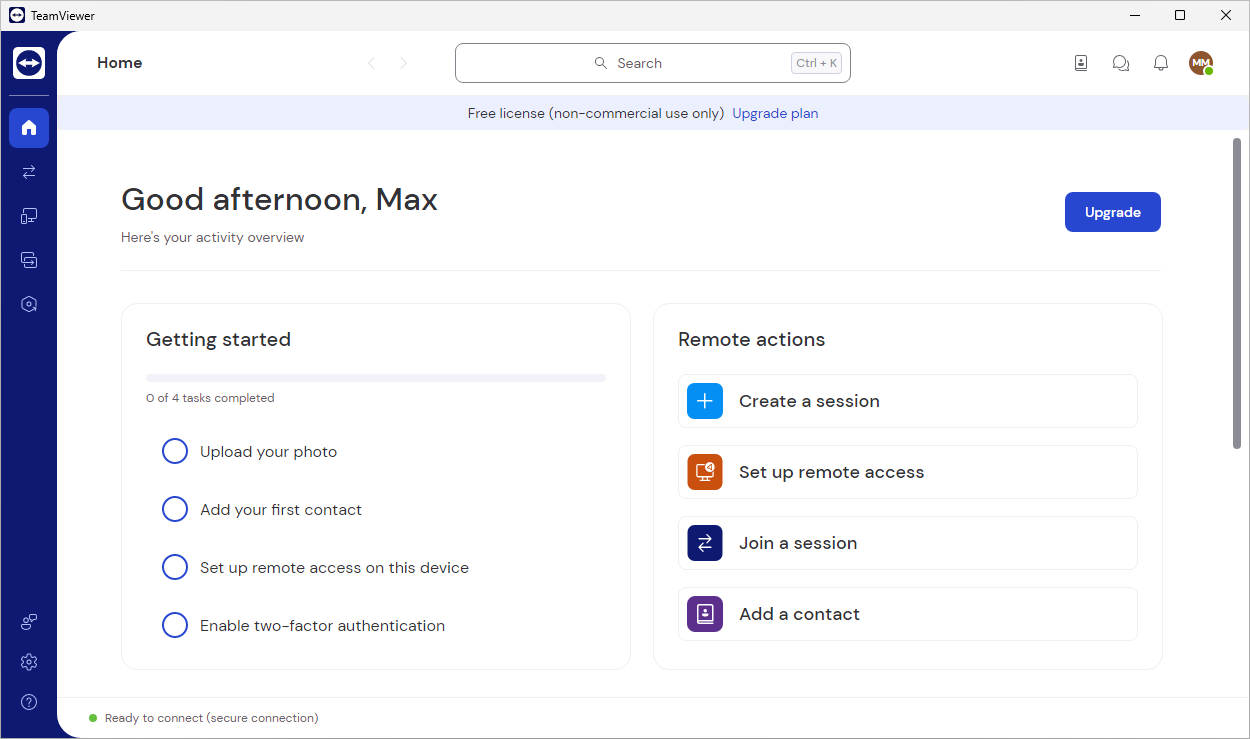
| Licence | Paid (trial) — proprietary; free for personal use |
| Price | Free for personal use; commercial from ~$24.90/mo (billed yearly) |
| Section | Remote access & support |
| Updated | 2026-11-05 |
What it is
Proprietary and deployed just about everywhere, it reaches and supports machines from a distance. You get connections to desktops and servers (unattended included), file transfer, a single device registry, role-based access and session logging.
Problems it closes
- Support staff have to jump onto any machine quickly, NAT and firewalls notwithstanding.
- You need one device registry that carries roles and a connection audit trail.
- Non-technical users need help without you building a VPN first.
How administrators run it
- Put the Host client on servers and kiosks for permanent unattended access.
- Group devices in the console and grant connection rights by role.
- Spin up ad-hoc sessions from a short ID and keep the logs for compliance.
Strengths & trade-offs
Strengths
- Connections hold steady across just about any network.
- Console, roles and auditing are mature.
- Platform and mobile coverage runs wide.
Trade-offs
- Commercial licensing runs expensive.
- Sessions go through the vendor cloud unless you say otherwise.
- The free tier gets flagged often on business networks.
Common questions
Is it free for work use?
No. The free tier is personal use only; business use needs a commercial licence, and they routinely detect commercial activity.
Head to head
Alternatives
AnyDesk Low-latency remote desktop built on the DeskRT codec. paid / trialdesktop Windows, macOS, Linux, web, mobile, Raspberry Pi, FreeBSD RustDesk Open-source remote desktop you can self-host, so sessions stay on servers you control. open sourcedesktop Windows, macOS, Linux, web, mobile Splashtop Remote access and support built for sharp, high-frame-rate sessions. paid / trialdesktop Windows, macOS, Linux, web, mobile, ChromeOS